Your Instagram. One workspace.

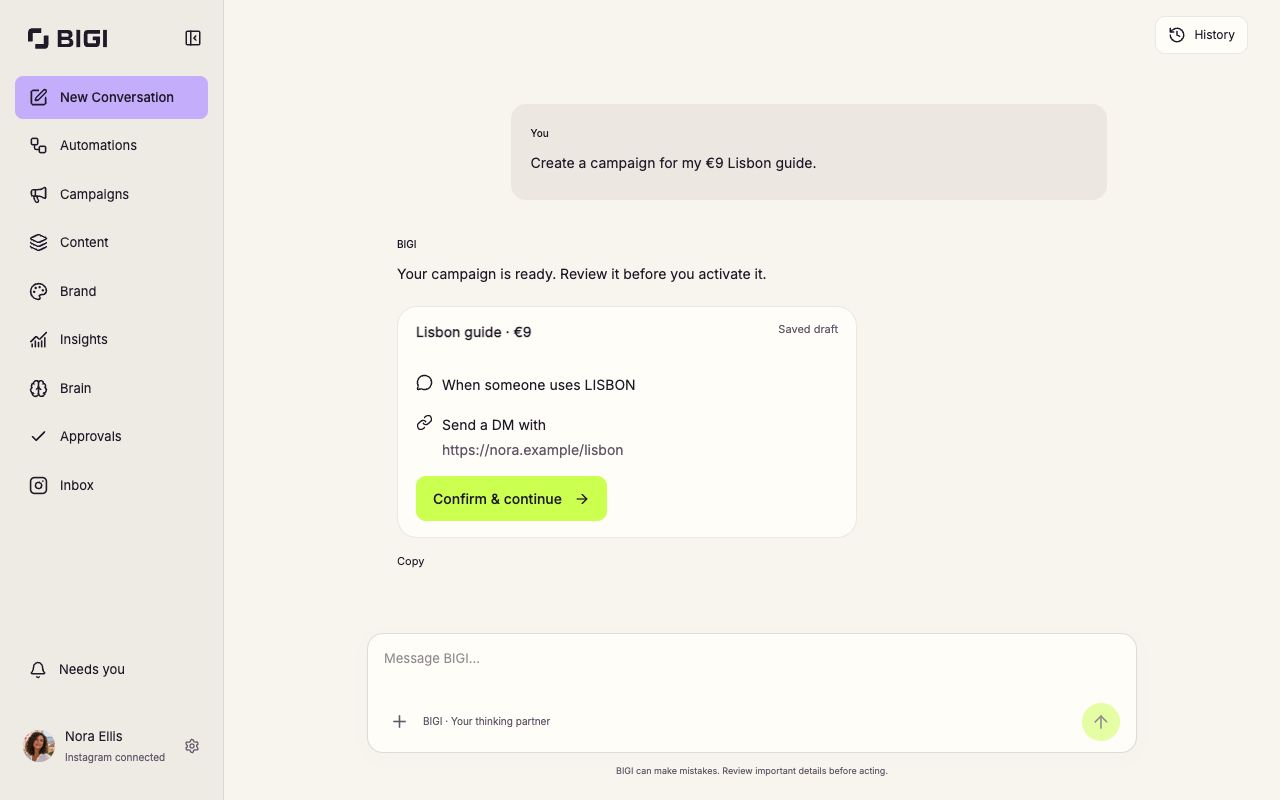
Create content, manage conversations and choose what BIGI handles for you.

BIGI workspace showing Nora’s €9 Lisbon guide campaign draft, navigation and History.
Actual BIGI interface. Nora’s example workspace.View full size: BIGI workspace

Explore every part of BIGI.

Automations

Choose what runs automatically.

Switch on comment replies, DMs, story replies, follow ups and moderation. Pause them whenever you need to.
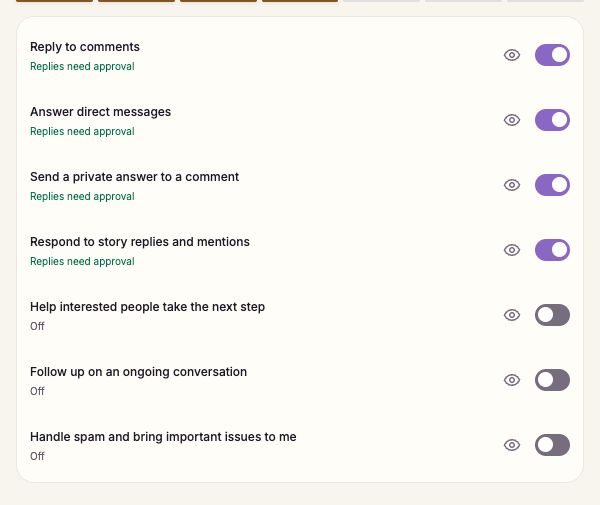

BIGI Automations settings with switches for comments, DMs, story replies, follow ups and moderation.
View full size: Automations

Campaigns

Give every campaign a clear plan.

Set a keyword, choose the posts and add your link. Review the plan before you activate it.
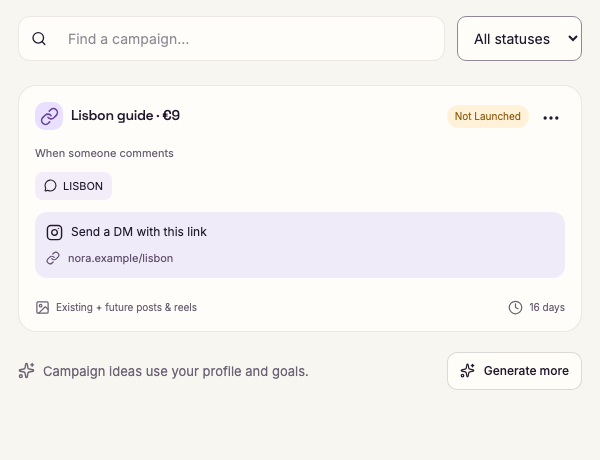
Nora’s €9 Lisbon guide campaign, with the LISBON comment keyword and a private reply link, marked Not launched.
View full size: Campaigns

Content

Make your next post in chat.

Create posts, Reels and Stories. Edit drafts, choose media, then schedule or publish when you’re ready.
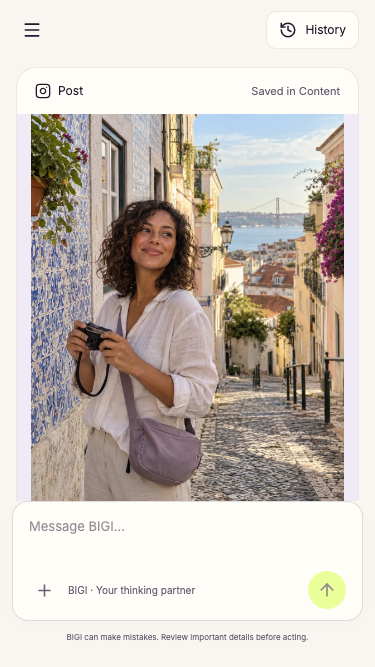
BIGI on a phone, showing Nora’s Lisbon post draft above the chat composer and a Save to content action.
View full size: Content

Inbox

Keep the whole conversation in view.

See what followers ask and what BIGI replies. Take over a conversation whenever you want to.
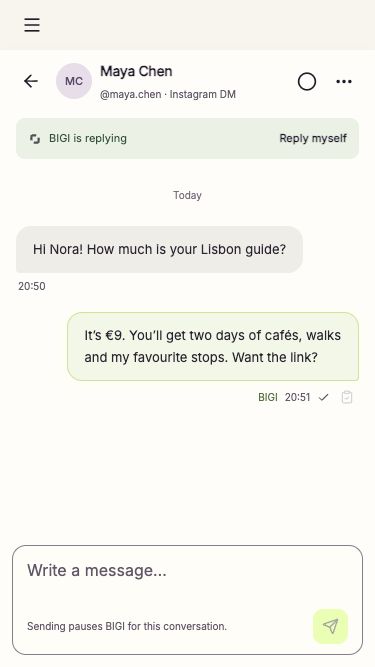
BIGI Inbox on a phone: Maya asks about the Lisbon guide, Nora’s reply confirms €9, and Reply myself offers human takeover.
View full size: Inbox

Brand

Make your content feel like you.

Save your colours, fonts, photos and visual references. Use them across the content you create.
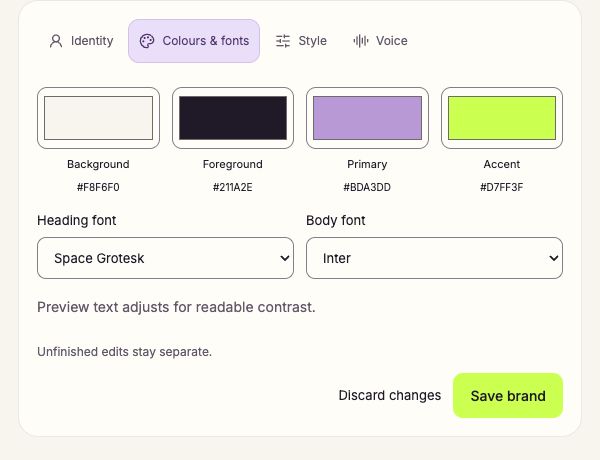
BIGI Brand settings showing saved background, foreground and accent colours, heading and body fonts, and Save brand.
View full size: Brand

Brain

Give BIGI the information it needs.

Keep your profile, links, FAQs, memory and voice rules together. Update what BIGI should know.
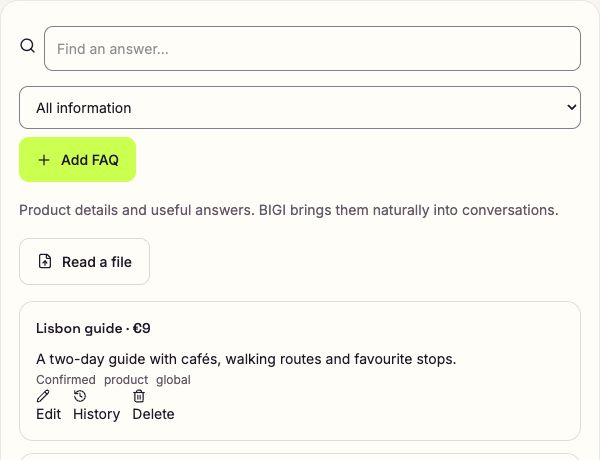
BIGI Brain with a confirmed Lisbon guide FAQ, the €9 price, search, Add FAQ and Read a file controls.
View full size: Brain

Insights

See what your activity leads to.

Review interactions, links sent and recorded outcomes. Understand where results come from.
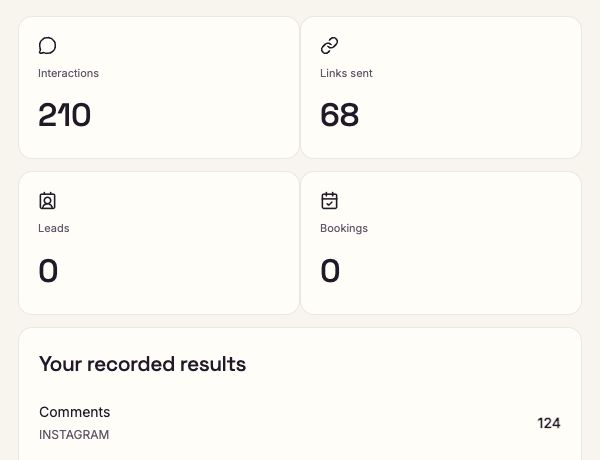
BIGI Insights showing interactions, links sent, leads, bookings and recorded results for the example workspace.
View full size: Insights

Approvals

Keep the final say.

Read suggested replies, edit the wording and decide what to approve or reject before it goes out.
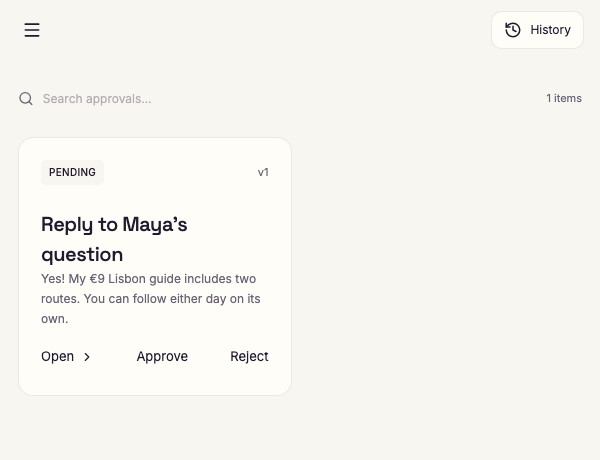
A pending reply to Maya’s question in BIGI Approvals, with Open, Approve and Reject actions.
View full size: Approvals

History

Pick up where you left off.

Find an earlier chat and continue a campaign, post or idea without starting again.
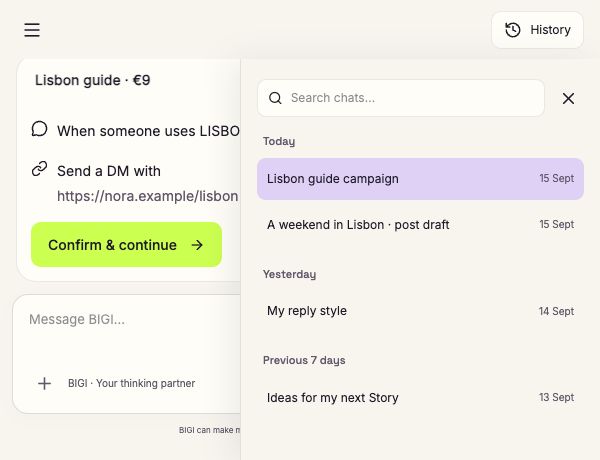
BIGI History beside a campaign draft, with searchable earlier chats about Nora’s Lisbon campaign, post and reply style.
View full size: History

BIGI workspace

Actual BIGI interface with example data.

Start with what you need.

Connect Instagram, tell BIGI your goal and choose what runs automatically.

Explore free